Autodesk Revit is popular with architects, landscape architects, and structural engineers for creating building information models.
|
As of version 2024.0, LuciadFusion provides native support for converting Revit to OGC 3D Tiles. While technically still valid, the article below describes a deprecated way of handling Revit data. Please refer to the Data Formats: Autodesk Revit section of the documentation for the recommended way of handling Revit data. |
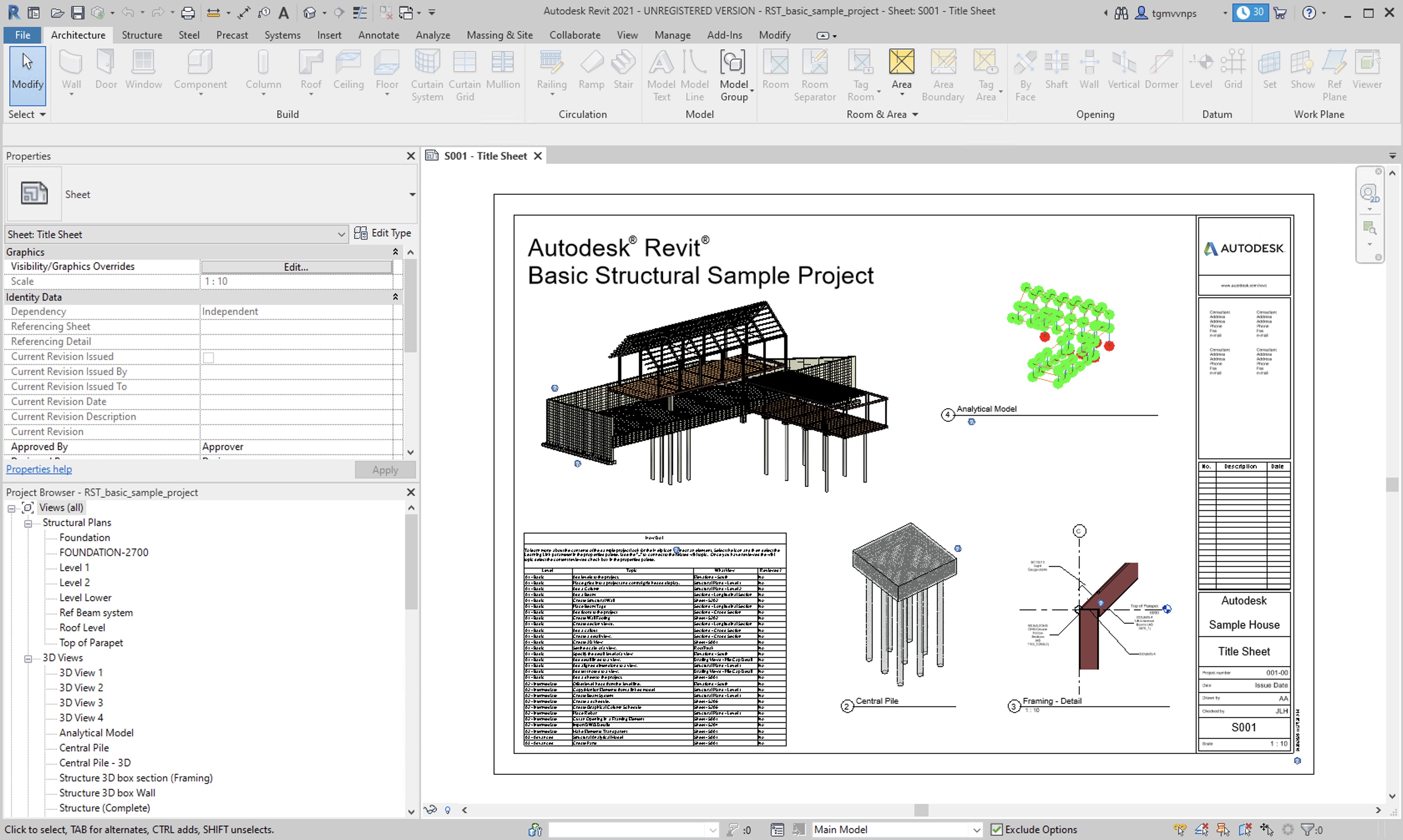
Figure 1, “Autodesk Revit example project” shows a sample project inside Autodesk Revit.
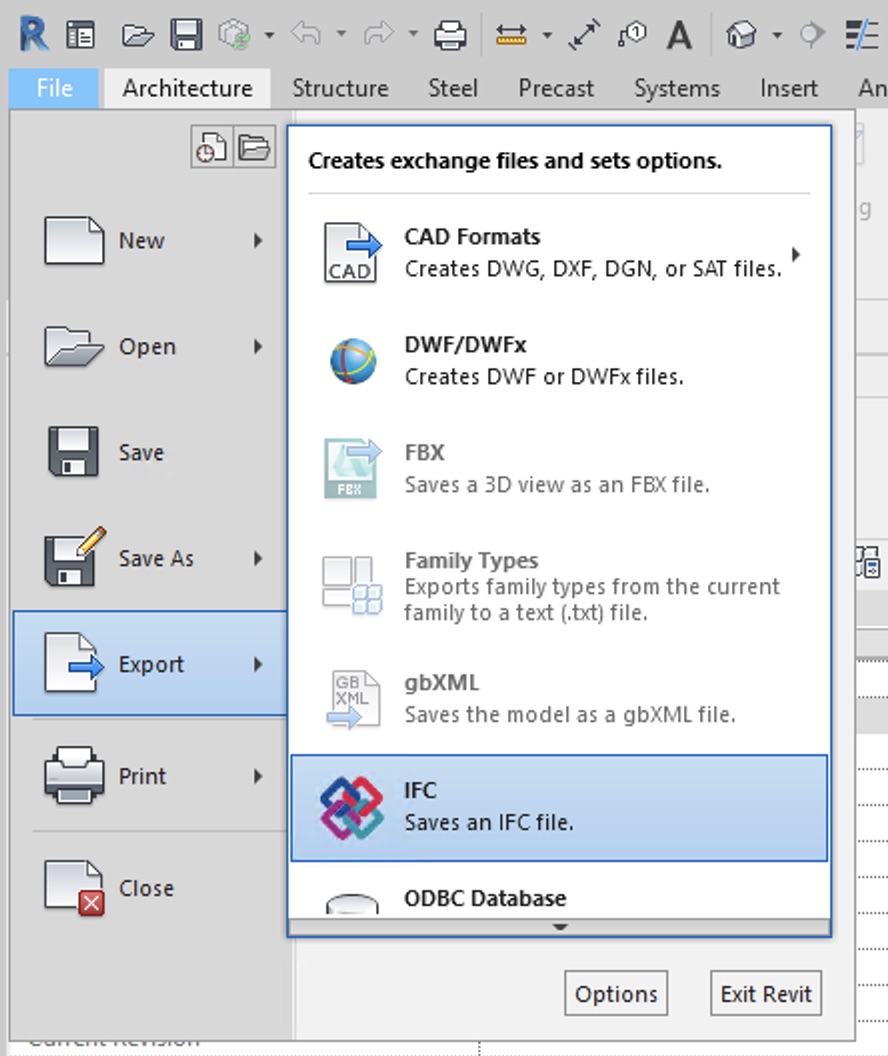
To start off, export your project to the IFC file format:
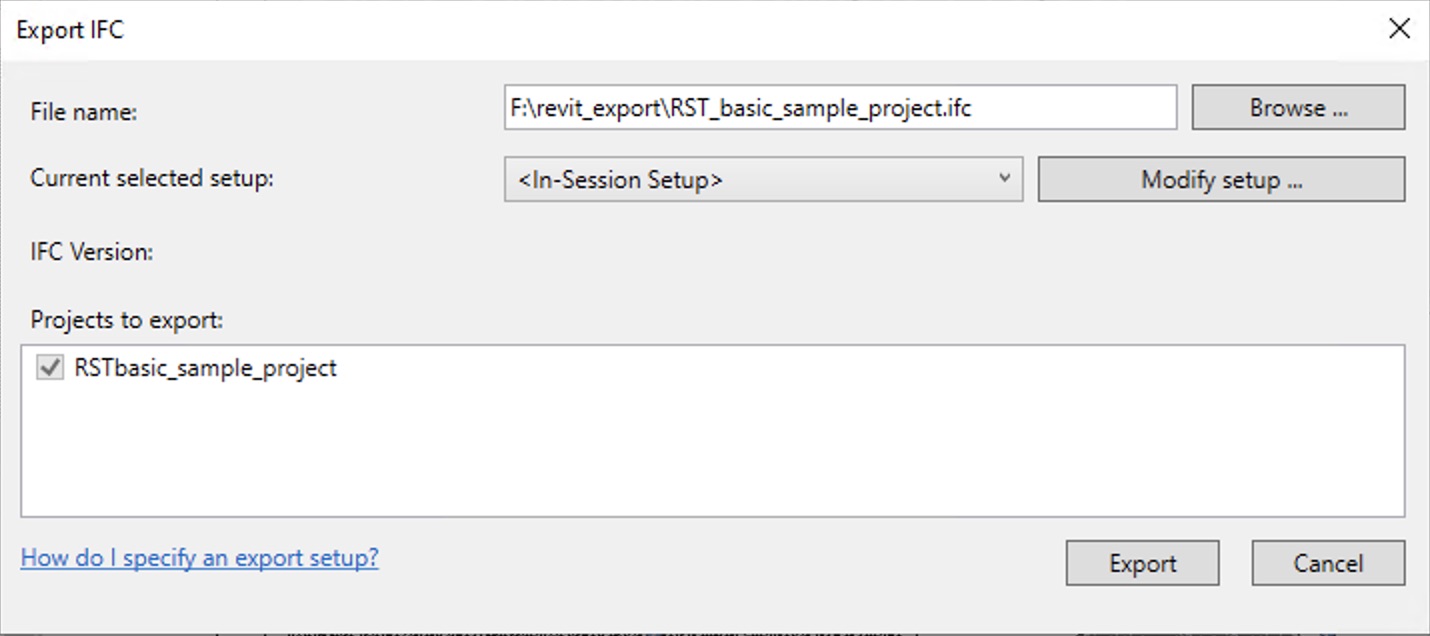
We recommend keeping the default export settings.
Once you have finished exporting to the IFC format, see the Data Formats: IFC documentation and the LuciadFusion documentation for instructions for processing IFC data in LuciadFusion.
When we preview this in LuciadRIA, we can perform selection operations, as shown in Figure 4, “The resulting project in LuciadRIA with selection and metadata enabled by default.”:

To enable selection of OGC 3D Tiles in LuciadRIA, see the guide about enabling selection in meshes in LuciadRIA.